 Scanner Dex
Scan Pokémon cards. Understand what you own.
Turn a card photo into a starting point for identification and value research. Scanner Dex helps you check card details, review estimated values, and organize your Pokémon collection.
Get Scanner Dex on the App StoreFree to download. Some scanning and advanced AI features require a paid subscription. Check the in-app offer for current prices, billing period, and trial eligibility.
See the scanner, result, and digital binder
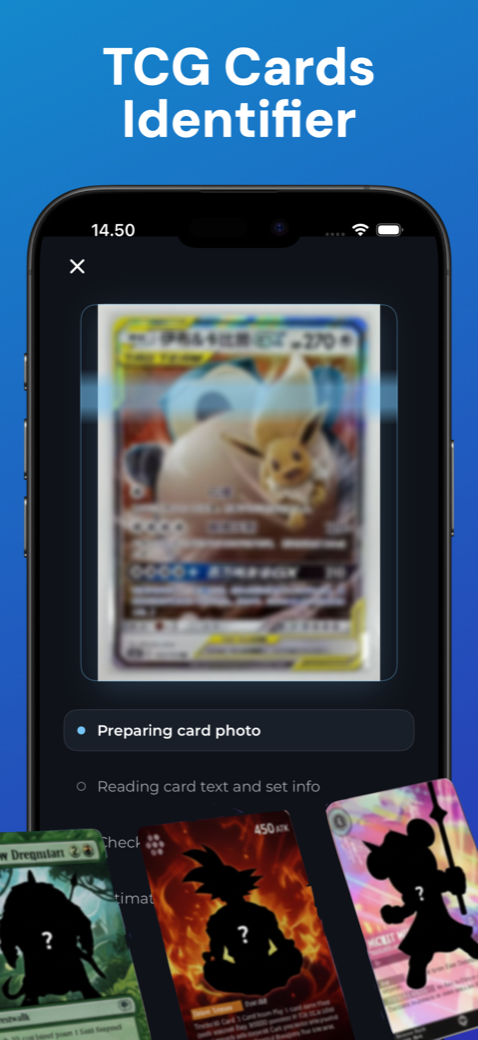
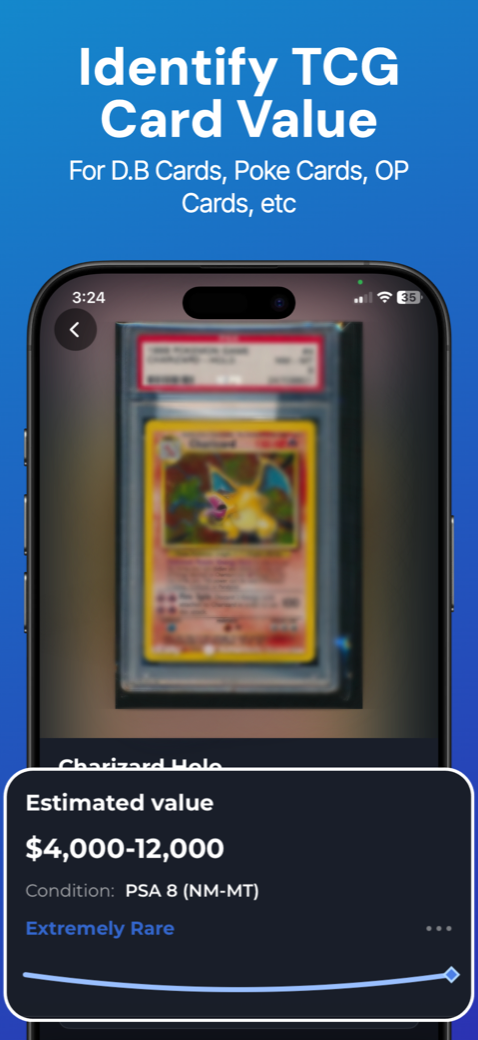
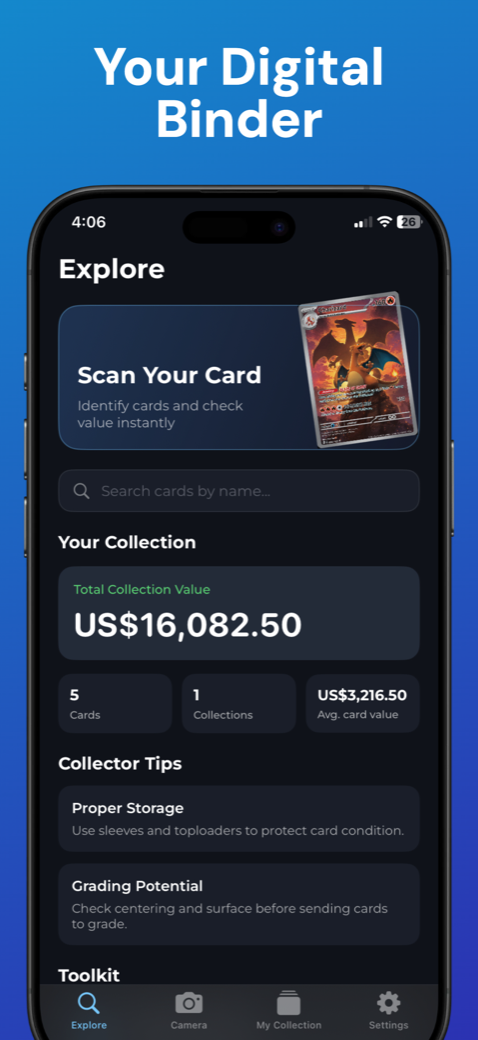
These are real App Store screenshots. The displayed amounts are examples, not current price quotes. An AI condition estimate is not a grade issued by PSA or another grading company.
How to scan a Pokémon card for identification
- Prepare one card. Use a plain background and even light. Glare on sleeves or foil can hide text and artwork.
- Capture all four corners. Hold the phone parallel to the card and wait for focus. If text is blurry, take another photo.
- Check the result. Compare the suggested name, set, card number, language, and artwork with the physical card.
- Confirm the printing. Look for holo or reverse-holo finish, edition stamps, promotional marks, and other variant details.
- Record what you own. Save the confirmed card, quantity, and condition notes in the relevant collection.
Worked example: checking a Charizard match
Suppose the scanner identifies your card as Charizard. Before using an estimate, read the number on your copy. A vintage card numbered 4/102 and a modern Charizard with a different number are different printings, even though the character name is the same.
Next, compare the set, artwork, language, and finish. For an early printing, check edition and border details rather than assuming every yellow-border Charizard is the same card. Photograph the back too, so edge wear and whitening are part of your condition record.
Finally, compare recent completed sales of the same printing and condition. If your copy is ungraded, do not use a professionally graded card's sale price as its raw value. If the scan and printed details disagree, refine the lookup before saving the card.
What is my Pokémon card worth?
A useful estimate depends on the exact version, condition, language, and current demand. Active listings are asking prices; completed transactions give a different kind of evidence. Marketplaces, currencies, shipping, and selling fees can also affect comparisons.
Scanner Dex provides estimated values and available market-price information to help your research. A camera photo alone cannot guarantee authenticity, reveal every surface defect, or promise a sale price. Recheck valuable cards against the printed details and relevant sales before buying, trading, selling, or submitting for grading.
A binder you can actually keep organized
Group cards around your collecting goal: a set you are completing, trade stock, favorite Pokémon, or cards you are considering grading. Record quantity and condition consistently so duplicates and worn copies are not counted as identical holdings.
Pokémon scanner questions
Is Scanner Dex a free Pokémon card scanner?
The app is free to download, but some scanning and advanced AI features require a subscription. The offer shown in the app explains the current price and any eligible trial before purchase.
Does it work in my browser?
The scanner is in the iPhone app. This website shows how it works and provides collector guides; install Scanner Dex to scan and manage your collection.
Can it tell me if a card is fake?
A suggested match is not proof of authenticity. Card stock, print quality, texture, provenance, and other physical details may need examination by an experienced collector or specialist.
What if the scanner finds the wrong card?
Retake the photo in better light, check that the card number is visible, and compare the result with the set and artwork. Use search to refine the identification before assigning a value.